
On this page
What the Aadhaar Vault is
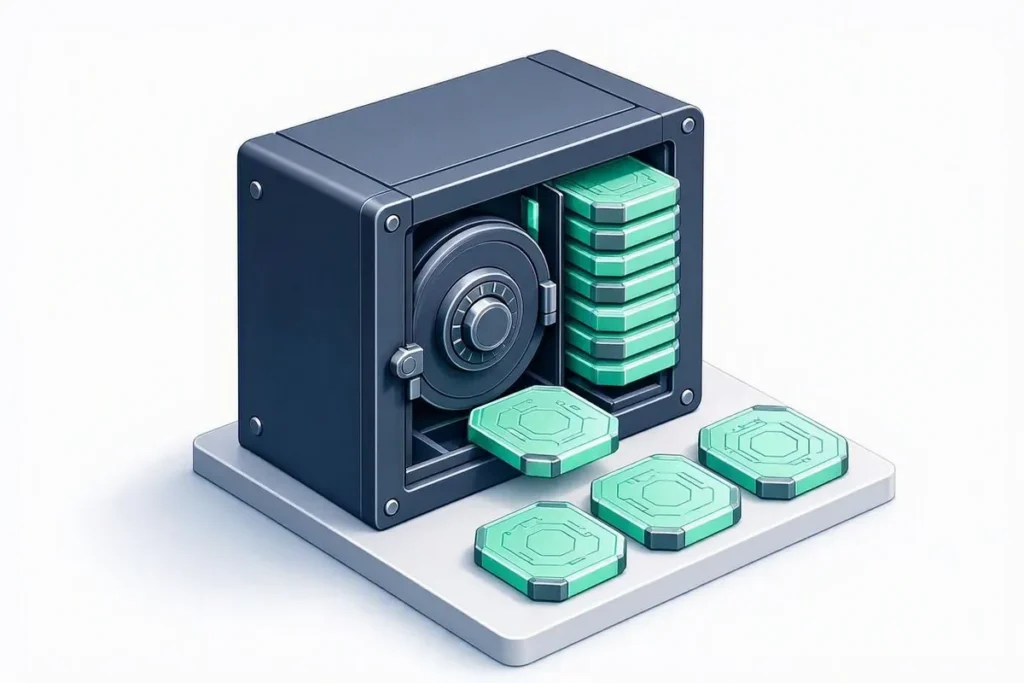
The Aadhaar Vault is a UIDAI-mandated secure storage system. Any entity that handles Aadhaar numbers is required to store them only inside a dedicated, access-controlled vault, and to reference the actual number elsewhere in its systems using a UID Token rather than the Aadhaar number itself.
Why it matters for KYC systems
This rule exists to limit how widely a person’s Aadhaar number is copied across an organisation’s databases, logs, and backups. A verification platform that processes Aadhaar numbers needs vault-compliant storage as a baseline architectural requirement, not an optional hardening step.
Official source
The requirements for storing Aadhaar numbers, including the use of an Aadhaar Vault with reference keys, are set out in circulars published on the official UIDAI website.
Putting an Aadhaar Vault into practice
An Aadhaar Vault works best when every system that once stored the number is changed to store a reference key instead. Map where the number currently lives, including logs, backups and spreadsheets, and move each copy into the Aadhaar Vault before deleting it elsewhere. Restrict access to the Aadhaar Vault to the few services that genuinely need the full number, and log every retrieval.
Test the Aadhaar Vault regularly: check that encryption keys are stored separately, that access logs are reviewed, and that a retrieval request without a valid reason is refused. Treat the Aadhaar Vault as a security system, not only a database, and review it whenever your applications change.
Document who owns the system, how keys are rotated and what happens if a breach is suspected. A short, written runbook makes audits faster and helps new team members follow the same rules. Review it at least once a year, and after any significant change to the applications that connect to the Aadhaar Vault.
Plan for growth as well. As more products and partners connect, the number of systems requesting access can grow quickly, and each new connection is another potential weak point. Require every new integration to go through the same review, document its purpose, and give it the narrowest access it needs.
Finally, test recovery. Make sure you can restore the system from backups without exposing data, and that reference keys still resolve correctly afterwards. A recovery plan that has never been tested is only a hope.
Common mistakes
The most common mistake is moving the main database into a secure store while copies remain elsewhere, such as in application logs, analytics exports or old spreadsheets on shared drives. Search thoroughly before declaring the work done, and add checks that stop full numbers being written to logs in future.
Another mistake is giving broad access for convenience during development and never removing it. Review access lists regularly, remove accounts that no longer need them, and make sure test environments use dummy data rather than real numbers.
Before moving production data, rehearse the migration on a copy: load test records into the secure store, switch one application to reference keys, and confirm that nothing still writes full numbers to logs or exports. A rehearsal like this surfaces forgotten copies and permission gaps early, when they are cheap to fix, rather than during an audit or, worse, after an incident has already happened.
Related terms
Verify it with Veriqos Technologies
← Back to the verification glossary
Choosing an Aadhaar-Vault-compliant storage API
When evaluating an Aadhaar Vault compliant storage API, confirm the vendor stores Aadhaar numbers only inside a dedicated vault and references them elsewhere via a UID Token — not as plain numbers in application logs or databases. This is a baseline architectural requirement, not an optional feature, for any vendor handling Aadhaar data on your behalf.