
In brief: liveness detection checks that a real, live person is in front of the camera, rather than a photo, a video replay or a mask. It is what stops a stolen photo being used to pass a face match during remote onboarding.
On this page
What is liveness detection?
Liveness detection is the set of techniques used to establish that the face presented to a camera belongs to a live human being physically present at that moment — not a printed photograph, a screen replay, a mask, or a synthetically generated video. In standards language the discipline is called presentation attack detection.
It exists because face matching alone is indifferent to what it is looking at. A face-match engine will happily confirm that a photograph of the right person is the right person, which is exactly the weakness an attacker exploits.
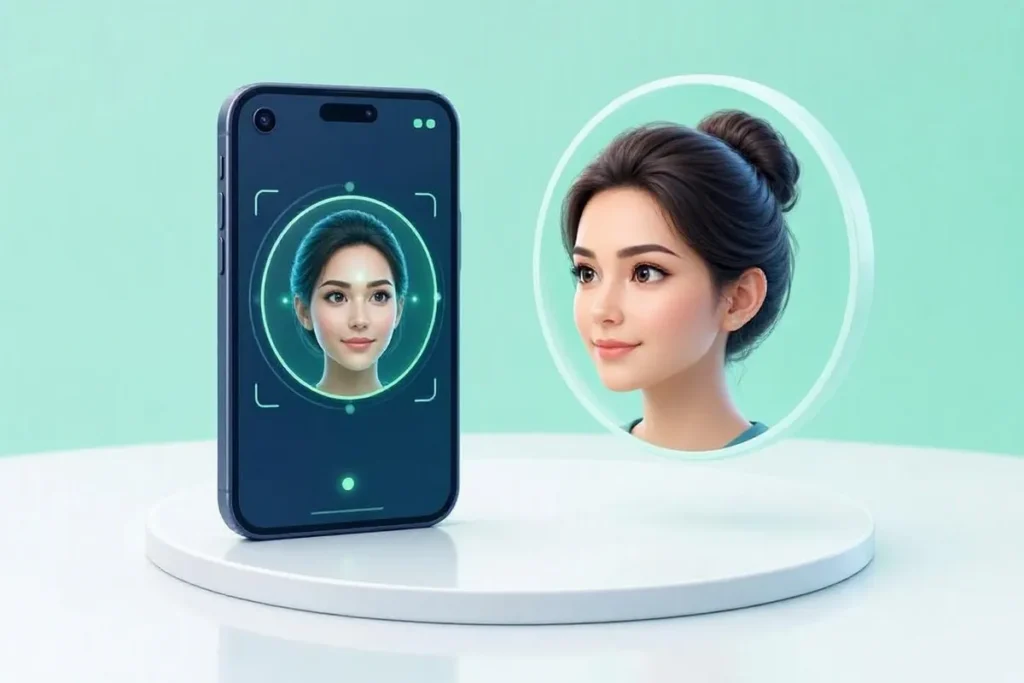
Active and passive approaches
Active liveness asks the user to do something — blink, turn their head, follow a moving target, or speak a prompted phrase. It is easy to explain and produces clear evidence of interaction, but it adds friction and excludes some users with disabilities or on poor connections.
Passive liveness makes the determination from a single capture or a short clip without instructions, analysing signals such as texture, depth cues, reflection and screen artefacts. It is far smoother for the user, and it moves the burden onto the quality of the model.
In practice most production systems combine the two: passive first, with active challenges escalated only for borderline scores or higher-risk journeys.
The attacks it has to withstand
- Print attacks — a photograph, sometimes with cut-out eyes or bent paper to simulate depth.
- Replay attacks — a video played back on a phone or monitor.
- Mask and 3D attacks — silicone or resin masks, which defeat most texture-only approaches.
- Deepfake and injection attacks — synthetic video fed into the capture pipeline, bypassing the camera entirely. This is the fastest-growing category, and it is why capture integrity — attesting that frames came from a real device sensor — now matters as much as the model itself.
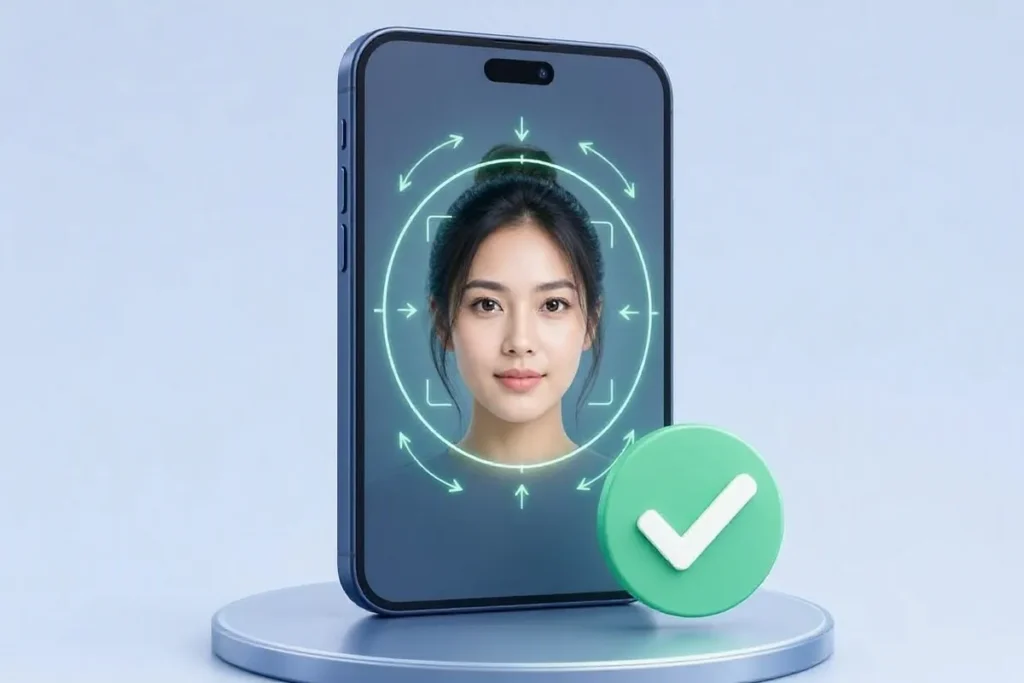
How it relates to Video KYC
In a V-CIP session, liveness is established partly by a human official asking unscripted questions in real time — a deliberately low-tech and quite robust control. Automated liveness serves the self-service flows that sit before that step, and its purpose is to keep spoofed applicants out of the funnel rather than to replace the official’s judgement.
As with name matching, the output is a score meeting a threshold, and the threshold is a policy decision: too strict and you reject genuine customers in bad lighting, too loose and you admit printed photographs.
Designing liveness detection into remote onboarding
Face matching answers whether two faces belong to the same person. Liveness detection answers a different question: whether the face being captured belongs to someone actually present. Remote onboarding needs both, because a face match alone can be fooled by holding up a photo of the real customer. This section covers how teams choose and deploy liveness detection.
Active and passive approaches
Active liveness detection asks the user to do something, such as turn their head, blink or follow a moving dot, and checks that the response is natural. Passive liveness detection analyses a short capture without asking for any action, looking at cues such as texture, depth and light reflection. Passive checks are faster and easier for users; active checks give an additional signal. Many flows use passive by default and add an active step when risk is higher.
What attacks it must withstand
- Printed photos held in front of the camera.
- Screen replays of a photo or video on another device.
- Masks, from simple paper cut-outs to realistic 3D masks.
- Injection attacks, where a fake video feed is sent to the app instead of the real camera, including manipulated or synthetic video.
The first three are known as presentation attacks, and the international standard ISO/IEC 30107 describes how presentation attack detection is tested. Injection attacks bypass the camera altogether, so defending against them also depends on securing the capture path in the app.
Getting good captures
Most failed liveness detection checks are caused by conditions rather than fraud: poor light, a backlit window, a dirty camera or a face too close to the screen. Guide users with on-screen framing, tell them what went wrong in plain words, and let them retry quickly. A clear capture experience raises pass rates for genuine users without weakening the check.
Where liveness detection is used
Remote account opening, loan applications, re-verification before sensitive account changes, gig-worker onboarding and video-based identification all rely on liveness detection. In video-based identification under the RBI’s rules, liveness is one of the checks carried out during the live session with an official.
Combining it with face match
Run liveness detection first, then compare the live capture with the photo on the customer’s verified identity record. If liveness fails, there is no point running the face match. If both pass, you have strong evidence that a real person matching the identity record is present.
Setting thresholds and reviews
Liveness detection produces a confidence result. Decide what passes automatically, what triggers a retry, and what goes to manual review. Monitor how often genuine users fail, because a threshold that is too strict pushes good customers away, while one that is too loose lets attacks through.
Privacy
Face images are sensitive personal data. Capture only what the check needs, explain to users why it is required, keep captures only as long as necessary and restrict access. The KYC requirements that these checks support are set out in the RBI’s KYC Directions for NBFCs.
Measuring how well it works
Two numbers matter most when you evaluate liveness detection. The first is how often genuine people are wrongly rejected, which shows up as frustrated customers and abandoned applications. The second is how often a spoof gets through, which shows up later as fraud. Improving one usually costs a little of the other, so agree with your risk team where the balance should sit for each product, and revisit it as you see real results.
Independent testing helps here. Ask vendors whether their approach has been evaluated against recognised presentation attack detection standards, and what kinds of attacks were included in those tests. Results from a vendor’s own demo rarely reflect the variety of phones, lighting and attacks you will see in production.
Handling failures fairly
Most failed checks come from ordinary problems: a dark room, a cracked camera lens, a slow connection or a user who moved too quickly. Clear on-screen guidance, a second attempt and an assisted route for people who still cannot pass keep genuine customers moving. Keep a note of why each case failed, because patterns in those notes often point to a single fix, such as better lighting instructions, that lifts completion rates for everyone.
Finally, remember accessibility. Some users cannot blink on request, turn their head easily or see small on-screen prompts. Offering a passive check or a human review route makes sure the safeguard protects everyone without shutting anyone out of the service.
Keeping it current
Attack methods change quickly. Printed photos gave way to screen replays, then to masks, and now to synthetic video and camera injection, where a fake feed is sent straight into the app without a real camera at all. Ask your provider how often their models are updated, how they detect injected video streams, and how they will tell you about new attack types they start to see.
Review your own results regularly too. A sudden rise in failures from one device type, region or time of day can be the first sign of a coordinated attack, or simply a new phone model that needs tuning. Either way, catching it early keeps both fraud losses and customer frustration low, and gives your team time to respond before the problem grows.
Treat these reviews as a routine part of running onboarding, scheduled alongside your other fraud and compliance checks, rather than as a one-off exercise after launch. Regular attention keeps thresholds sensible as your customer base, devices and attack patterns change over time.
Related terms
Verify it with Veriqos Technologies
Support your face and liveness checks with independent record-level verification:
- Digilocker Verification API — Verify your customers’ government documents instantly through Digilocker with Veriqos Technologies’ Digilocker Verification API — real-time verification through the customer’s Digilocker account.
- Passport Number Verification API — Authenticate passport details in real time with Veriqos Technologies’ advanced Passport Number Verification API — verifying name, passport number, expiry date, and nationality in seconds.
- Signature Match API — Veriqos Technologies Signature Validation API enables banks, insurance companies, and digital platforms to compare & verify signatures in seconds — checking similarity, flagging mismatches, and automating manual verification.
See how these checks are applied in Banks & NBFCs, Insurance Providers.