
On this page
What is face match?
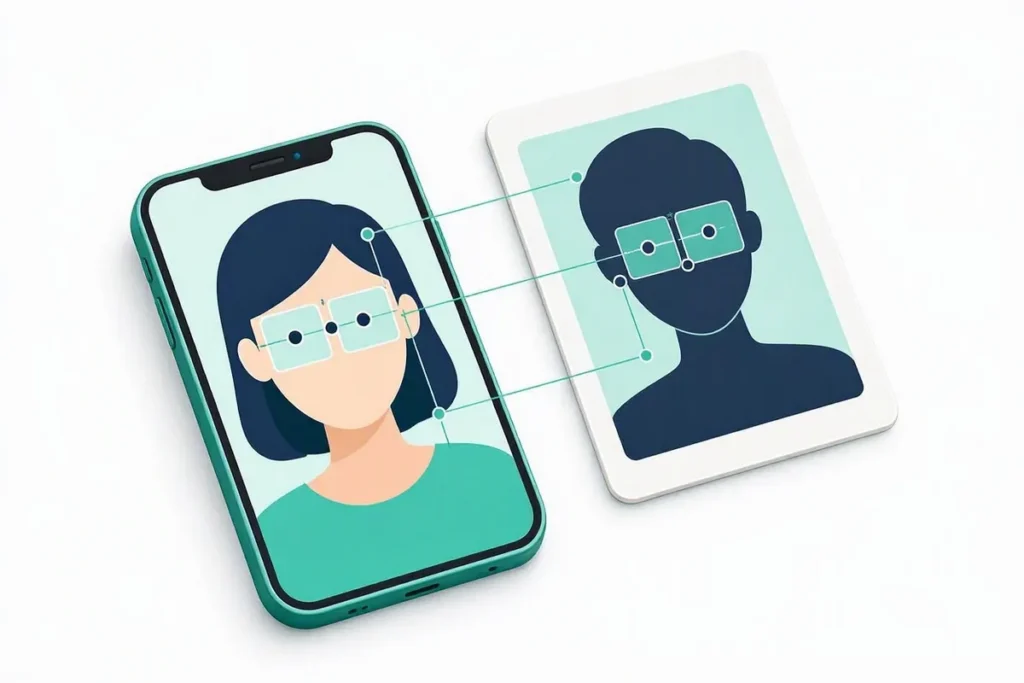
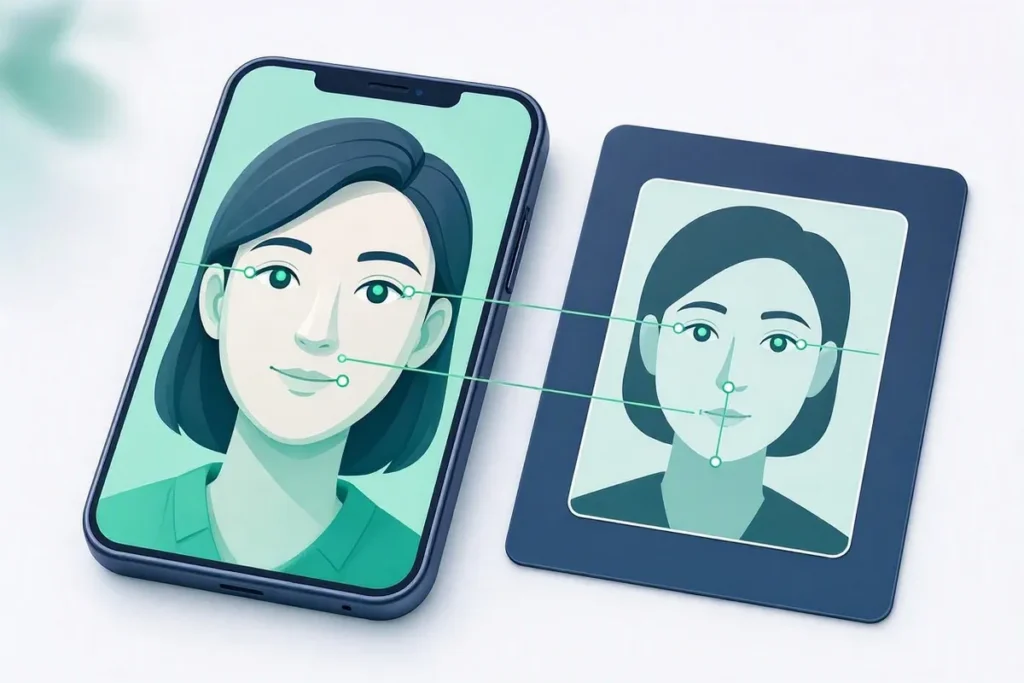
Face match is the comparison of two facial images — typically a selfie captured during onboarding and the photograph on an identity document — to determine whether they depict the same person. The output is a similarity score, not a yes or no.
How it works
Both images are converted into numerical representations of facial features, and the distance between them is measured. The business sets a threshold above which a match is accepted. Where that threshold sits is a risk decision: set it high and genuine customers are rejected over lighting, age or image quality; set it low and impostors pass. Veriqos Technologies provides this through its face match and liveness API.
Face match is not liveness detection
This distinction is the single most consequential confusion in the field, and it costs institutions money.
Face match asks: is this the same person as the ID? Liveness asks: is this a real person, present now, in front of the camera?
A stolen identity document combined with a printed photograph of its holder can pass face match. A perfect liveness check performed on the wrong person’s face passes liveness. Each defeats the other’s blind spot, which is why running both — and logging their scores separately — is materially stronger than running either alone.
What defeats both
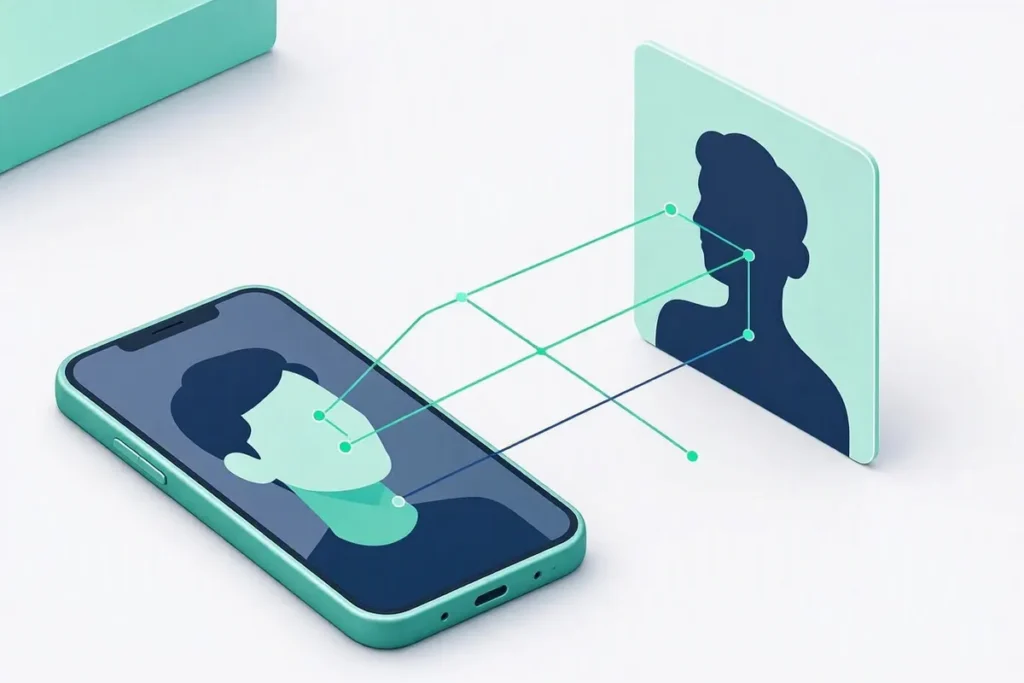
Injection attacks bypass the camera entirely, feeding a manipulated video stream directly into the verification pipeline. Against these, the sophistication of the detection model matters little, because it is analysing a stream that was never captured. Defending against them requires corroboration across independent checks rather than a better camera-based check.
Where it is used
Video KYC, remote account opening, driver and worker onboarding, exam proctoring, and re-authentication for high-value transactions.
Related terms: Liveness Detection · Video KYC (V-CIP) · e-KYC · Aadhaar Verification API
Official source
Independent accuracy testing of face recognition algorithms is published by the US National Institute of Standards and Technology in its face recognition technology evaluations, a useful reference when you compare vendors’ accuracy claims.
Setting thresholds
Every comparison returns a similarity score, and your policy decides what is enough. Set one threshold for automatic approval and a lower one for manual review, then adjust both as you see real results. Pair the comparison with a liveness check, ask for well-lit, front-facing photos, and give users a second attempt before sending them to a person, because most failures come from poor capture rather than fraud.
Be open with users about how their images are used and how long they are kept. Delete photos you no longer need and keep the match result as your record instead. If a user cannot complete the step, offer an alternative such as a video call or an in-person check, so that people with older phones, poor connectivity or accessibility needs are not shut out of the service altogether.
Accessibility deserves attention too. Some users wear glasses, head coverings or have conditions that affect how a camera sees them. Clear on-screen guidance, generous retry limits and a human fallback route help these users complete the step without frustration, and they reduce the number of genuine customers who are wrongly flagged.
Finally, review a sample of rejected cases every few weeks. If many failures share a cause, such as poor lighting or a particular phone model, a small change to the capture screen can lift completion rates noticeably.
Document these thresholds and the reasons behind them, so that anyone reviewing a decision later can see why it was made.