

Veriqos Technologies API platform
Passport OCR API

Passport
OCR Extraction

Extract the passport number, name, date of birth, nationality and expiry date straight from a photo of the passport's data page, including a direct read of the MRZ line, with no passport authority database call involved.

Contact Sales

Passport OCR

You're verifiedLet's get started
Passport OCR API Details
Full nameMohit Chandra
Emailyc3006@gmail.com
Upload Passport Imagepassport_datapage.jpg
StatusVerified
AddressGround Floor, 169, Delhi, PIN 110054

READY TO GET YOUR API ACCESS?

Fill out the form and our team will get back to you within 24 hours. Start extracting passport data from document images in seconds.

Benefits of
verifying with our
API

Fast, secure, and compliant verification built for real-world scale.

MRZ-Backed Accuracy

Reads both the printed visual fields and the Machine Readable Zone at the bottom of the page, cross-checking one against the other for higher accuracy.

Works Without a Passport Authority Call

Extraction happens entirely from the image supplied, so it never depends on passport authority endpoint availability.

Instant Field Capture

Passport number, name, DOB, nationality, issue and expiry dates are extracted from the image in under a second.

Pairs With Passport Verification

Chain the extracted passport number into the Passport Number Verification API when you need to confirm it is valid.

About the Passport OCR API - Extract Passport & MRZ Details from an Image | Veriqos

Turn a Photographed Passport Page Into Structured Data

Veriqos Passport OCR API extracts the passport number, name, date of birth, nationality, and issue and expiry dates directly from a photographed or scanned passport data page, reading and cross-checking both the visual fields and the Machine Readable Zone. It runs entirely on the image supplied, with no call to any passport authority endpoint, and is built to sit upstream of the Passport Number Verification API for teams that also need to confirm the passport number is valid.

MRZ Checksum Validation

The Machine Readable Zone carries its own check digits; Veriqos validates these to catch a misread before the data reaches you.

Field-Level Confidence

Each extracted field is returned with the OCR engine's confidence, so low-confidence reads can be routed for manual review.

New to this term? See our glossary definition of Passport Verification API.

Where Teams Use Passport OCR

Trusted across industries for fast, compliant verification.

Digital Lending Platforms
01

Digital Lending Platforms

Accept a passport as an identity document during onboarding, captured straight from a photo.
Travel & Visa Processing
02

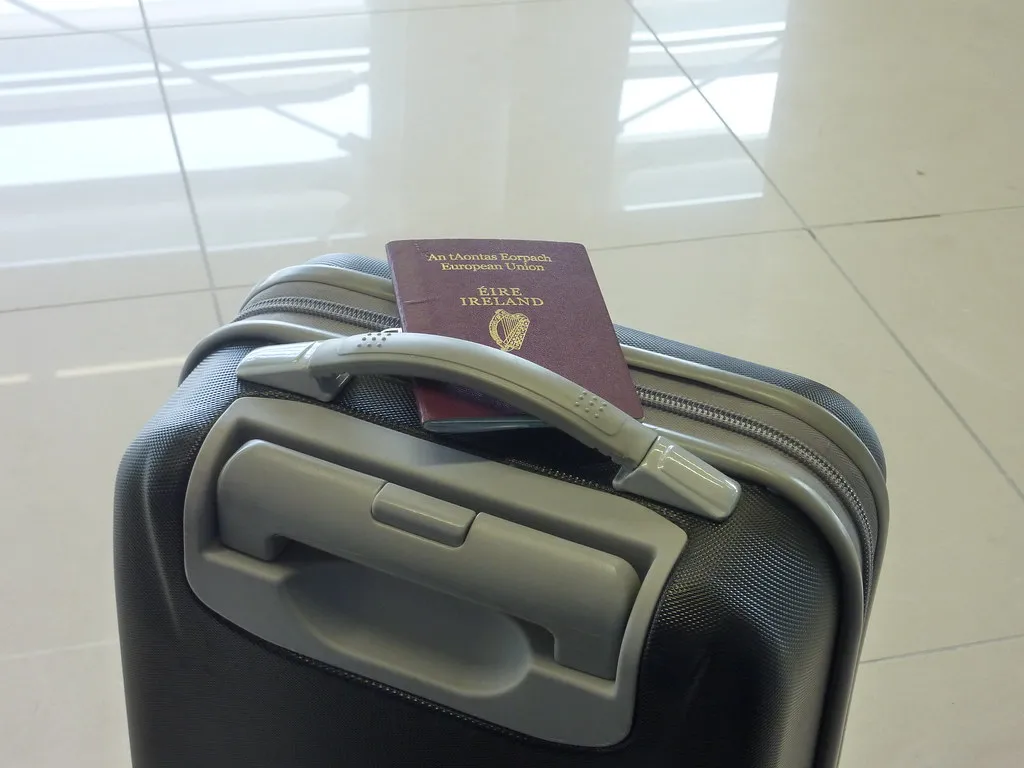
Travel & Visa Processing

Auto-fill travel booking and visa application forms from a traveller's passport photo.
Insurance Companies
03

Insurance Companies

Speed up travel insurance policy issuance by extracting passport details instead of manual entry.

Banks & NBFCs
04

Banks & NBFCs

Accept passport as an identity document for NRI and international account opening.

How it Works

Send a photo or scan of the passport's data page to a single REST endpoint.
Veriqos extracts the visual fields and cross-checks them against the Machine Readable Zone.
Get the extracted fields back as clean, structured JSON ready to populate your forms or records.
How the Passport OCR API - Extract Passport & MRZ Details from an Image | Veriqos works

Security &
Compliance

Passport OCR only ever processes the image you send it, so the security model is built around what happens to that image, not around holding a copy of it.

  • No Raw Image Retention: The uploaded document image is processed in memory for extraction and is not retained after the response is returned.
  • Masked Sensitive Fields: ID numbers are masked in logs and billing records, in line with the same masking standards used across Veriqos verification APIs.
  • TLS-Encrypted Transit: Every image upload and response travels over TLS 1.2+, matching the transport security of all Veriqos endpoints.

  • Consent-Bound Processing: Extraction should only be run on a document the end user has knowingly submitted, consistent with Veriqos consent guidance across all products.

Why Choose Us

Sub-Second Extraction

Structured fields come back in under a second, fast enough to sit directly inside a live onboarding form.

Handles Real-World Photos

Built to read phone-camera captures, not just flat scans, so a quick photo from an onboarding app is enough.

Confidence-Scored Fields

Every field returns with an OCR confidence score, so low-confidence reads can be routed to manual review instead of silently accepted.

Chains Into Full Verification

Feed the extracted passport number straight into the Passport Verification API when a check also needs to confirm it against official records.

No Raw Image Retention

The uploaded document image is processed in memory and is not retained after the response is returned.

TLS-Encrypted Transit

Every image upload and response travels over TLS 1.2+, matching the transport security of all Veriqos endpoints.

Frequently Asked Questions?

FAQ

We offer APIs and tools for identity verification, compliance, fraud prevention, financial assessment, and onboarding automation.

Passport number, name, date of birth, nationality, gender, issue date and expiry date, extracted from the data page and its MRZ.
The Machine Readable Zone is the two-line coded strip at the bottom of the passport's data page. It carries its own check digits, so reading it alongside the printed text catches OCR errors the visual fields alone would miss.
OCR reads data off a photo you supply. Verification separately confirms the passport number is valid. Use OCR to capture data quickly, and Verification when you need to confirm it.
No. OCR only reads what is printed and encoded on the document supplied. Pair it with the Passport Number Verification API if you need to confirm validity.
Yes. A public sandbox at sandbox.veriqos.com lets you upload real Passport document images and see the exact JSON response before you sign a contract.
No. OCR only reads what's printed on the document you supply. Pair it with the Passport Verification API if you need to confirm the details against official records.
No Raw Image Retention: The uploaded document image is processed in memory for extraction and is not retained after the response is returned. Masked Sensitive Fields: ID numbers are masked in logs and billing records, in line with the same masking standards used across Veriqos verification APIs. TLS-Encrypted Transit: Every image upload and response travels over TLS 1.2+, matching the transport security of all Veriqos endpoints. Consent-Bound Processing: Extraction should only be run on a document the end user has knowingly submitted, consistent with Veriqos consent guidance across all products.
Click "Get Production Keys" on this page and tell us a bit about your use case and expected monthly API volume. Our team will set up your keys and schedule an onboarding call.

What Our Clients Say

Teams in mobility, IT services, hiring, education and technology use Veriqos Technologies to verify people and businesses before they onboard them.


Driver onboarding was our biggest bottleneck. DL, Aadhaar and RC checks now run in one flow, so a new driver can start the same day.
Bharat Taxi
Bharat Taxi
Driver Onboarding Team
Freelancers and clients are verified before any project begins. PAN and GST validation came through a single API, so we never had to build it.
Whizlancer Infotech
Whizlancer Infotech
Platform & Trust Team
Background verification was the slowest step in every placement. Automating identity and employment checks cut our overall turnaround by roughly sixty percent.
Resourcedekho
Resourcedekho
Verification Team
Vendor onboarding had to be quick without being careless. The API-first setup let us plug the checks straight into our existing internal workflow.
Tylect
Tylect
Integrations Team
Our trainers work inside school campuses, so background checks are non-negotiable. Instructor identity and credentials are now verified in minutes, not weeks.
Botixbo
Botixbo
Trainer Onboarding Team

Blog

How Fintechs Can Cut Fraud Losses with Real-Time Identity Verification

In brief: real-time identity verification for fintech means checking identity at the moment a customer applies, against source records, so fraud is stopped before an account is opened or money…

Read More about How Fintechs Can Cut Fraud Losses with Real-Time Identity Verification

How Fintechs Can Cut Fraud Losses with Real-Time Identity Verification

More from the blog

View More blogs

Trusted By
Our Clients

Teams across mobility, IT services, hiring, technology and education run their identity and business verification on Veriqos Technologies.

Bharat Taxi Mobility
Whizlancer Infotech IT Services
Resourcedekho Hiring & Staffing
Tylect Technology
Botixbo Education

Get In Touch

Need help with something? Want a demo? Get in touch with our friendly team and we'll get in touch within 2 hours.

Veriqos Technologies support

Explore
More APIs

Need help with something? Want a demo? Get in touch with our friendly team and we'll get in touch within 2 hours.

View All APIs

Getting accurate results from the passport OCR API

Image quality decides most extraction results. Ask users to photograph the data page flat, in good light and without glare, and reject blurred images before you send them. Show the fields the passport OCR API extracts back to the user to confirm, check the expiry date against today's date, and verify the passport number before you rely on the passport OCR API output for KYC.

Test a range of real-world photos in the sandbox, including photos taken at an angle or with reflections on the laminate, so you know how your flow behaves before customers see it.

More about the Passport OCR API

If you are evaluating the Passport OCR API, you may also find our Aadhaar OCR API and PAN OCR API useful, or you can talk to our team about your use case. For the official rules behind it, see the Passport Seva portal.