
 Bharat Taxi
Mobility
Bharat Taxi
Mobility

Extract the Aadhaar number, name, date of birth, gender and address straight from a photo of the card, in under a second, with no UIDAI database call involved.
Fast, secure, and compliant verification built for real-world scale.
Name, Aadhaar number, DOB, gender and address are extracted from the image in under a second, no manual data entry.
Extraction happens entirely from the image supplied, so it never depends on UIDAI endpoint availability.
Removes the typos and transposition mistakes that come from an agent keying in Aadhaar details by hand.
Chain the extracted number into the Aadhaar Verification API when you need to confirm the document against UIDAI-backed records.
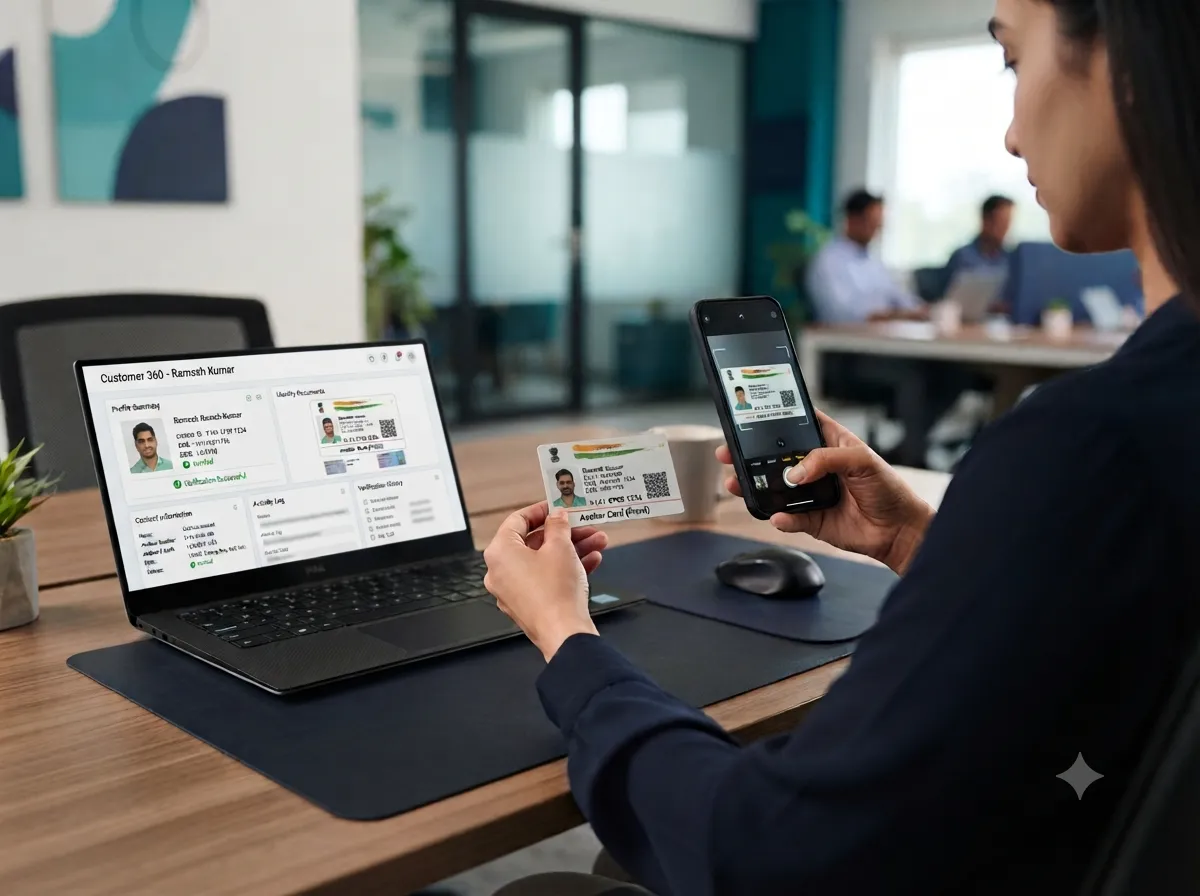
Veriqos Aadhaar OCR API extracts the name, Aadhaar number, date of birth, gender and address directly from a photographed or scanned Aadhaar card. It runs entirely on the image supplied, with no call to any UIDAI endpoint, and is built to sit upstream of the Aadhaar Verification API for teams that also need to confirm the document against a UIDAI-backed source.
Each extracted field is returned with the OCR engine's confidence, so low-confidence reads can be routed for manual review.
The Aadhaar number in the response is masked to the last four digits by default, in line with Section 8A of the Aadhaar Act.
New to this term? See our glossary definition of Aadhaar Verification API.
Trusted across industries for fast, compliant verification.

Auto-fill a signup form the moment a customer photographs their Aadhaar card, instead of asking them to type every field.
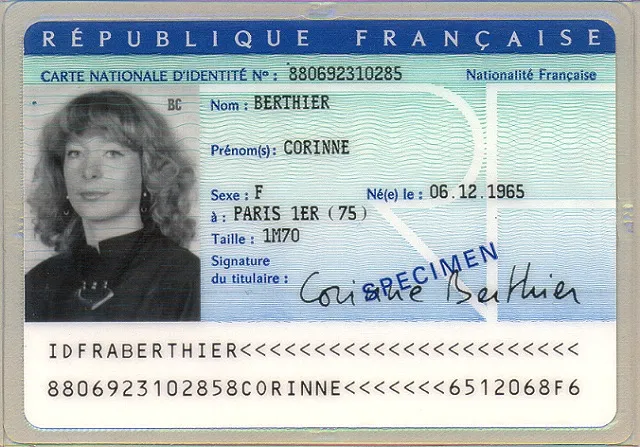
Capture the demographic fields needed for a KYC record before running a deeper verification step.
Pre-fill account-opening forms at banks and NBFCs directly from the applicant's Aadhaar card.

Speed up HR onboarding paperwork by extracting new-hire Aadhaar details straight from a scanned copy.

Aadhaar OCR only ever processes the image you send it, so the security model is built around what happens to that image, not around holding a copy of it.
Structured fields come back in under a second, fast enough to sit directly inside a live onboarding form.
Extraction runs entirely on the image supplied, so it keeps working even if a UIDAI endpoint is briefly unavailable.
Every field returns with an OCR confidence score, so low-confidence reads can be routed to manual review instead of silently accepted.
The Aadhaar number in the response is masked to the last four digits automatically, in line with Section 8A of the Aadhaar Act.
Feed the extracted Aadhaar number straight into the Aadhaar Verification API when a check also needs to confirm the document against UIDAI-backed records.
The uploaded document image is processed in memory and is not retained after the response is returned.

We offer APIs and tools for identity verification, compliance, fraud prevention, financial assessment, and onboarding automation.
Teams in mobility, IT services, hiring, education and technology use Veriqos Technologies to verify people and businesses before they onboard them.




Blog
On this pageWhat to Look for in a Sumsub AlternativeCategories of AlternativesWhy India-First Providers Often Win for Indian BusinessesWhat Sets Veriqos Technologies ApartConclusionRelated verification APIsMore about Sumsub Alternatives Sumsub is…
Read More about 10 Best Sumsub Alternatives for Identity Verification in 2026
More from the blog
View More blogsTeams across mobility, IT services, hiring, technology and education run their identity and business verification on Veriqos Technologies.
Bharat Taxi
Mobility
Whizlancer Infotech
IT Services
Resourcedekho
Hiring & Staffing
Tylect
Technology
Botixbo
Education
Need help with something? Want a demo? Get in touch with our friendly team and we'll get in touch within 2 hours.

Need help with something? Want a demo? Get in touch with our friendly team and we'll get in touch within 2 hours.
View All APIsTell us a bit about your use case and we'll get your keys and onboarding call scheduled.
Image quality decides most extraction results. Ask users to photograph the card flat, in good light and without glare, and reject blurred images before you send them. Treat the Aadhaar OCR API output as data to confirm rather than data to trust blindly: show the extracted fields back to the user, let them correct obvious errors, and run a verification check before approval. Mask the Aadhaar number wherever you display or store it, as Aadhaar rules require, and keep only the fields your process needs from the Aadhaar OCR API.
Test a range of real-world photos in the sandbox, including older cards and photos taken at an angle, so you know how your flow behaves before customers see it.
Use the Aadhaar OCR API to pre-fill onboarding forms from a card photo, which removes typing errors and shortens signup. The Aadhaar OCR API reads what is printed on the card; it does not confirm the card is genuine, so always follow extraction with a verification step that checks the details against an authoritative source before you approve the customer.
If you are evaluating the Aadhaar OCR API, you may also find our PAN OCR API and Voter ID OCR API useful, or you can talk to our team about your use case. For the official rules behind it, see the UIDAI website.
Tell us what you need to verify. Our team will get back to you within 24 hours with the right APIs and pricing.
We respect your privacy. No spam.